
The work that waits at home
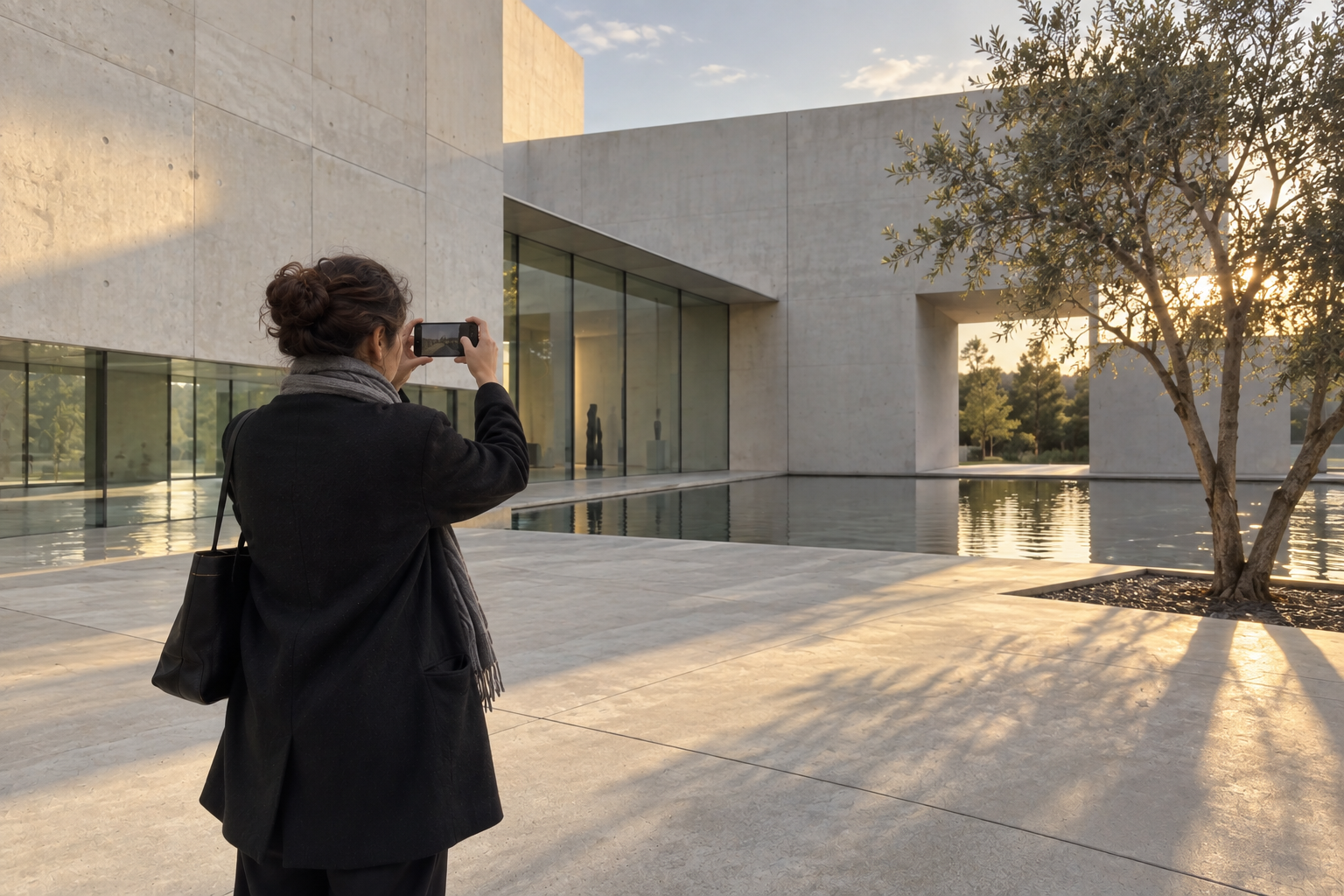
Maya visits a new art museum with her iPhone. She walks the facade, then the atrium, then the stair and the material joints where daylight changes the wall. By the time she leaves, she has a substantial sequence—not just one hero image.
That is where a familiar workflow often becomes slow. Back home, the visit is mixed into a camera roll with screenshots and other days. First comes reconstructing the visit, then culling, basic edits, album names and filing. The building is no longer in front of her, yet the work has only begun.
Keep one visit in view
After the shoot, Maya opens Current Shoot. The connected photographs from this session are gathered in one place, while the route through the building is still easy to remember. It is not another project-management system; it is a focused surface for what she has just photographed.
She can open a photograph to look more closely, or enter Select to work with several images at once. The useful part is timing: the first judgement happens while she can still tell a deliberate facade study from a near-duplicate test frame.
Make the first choices on site
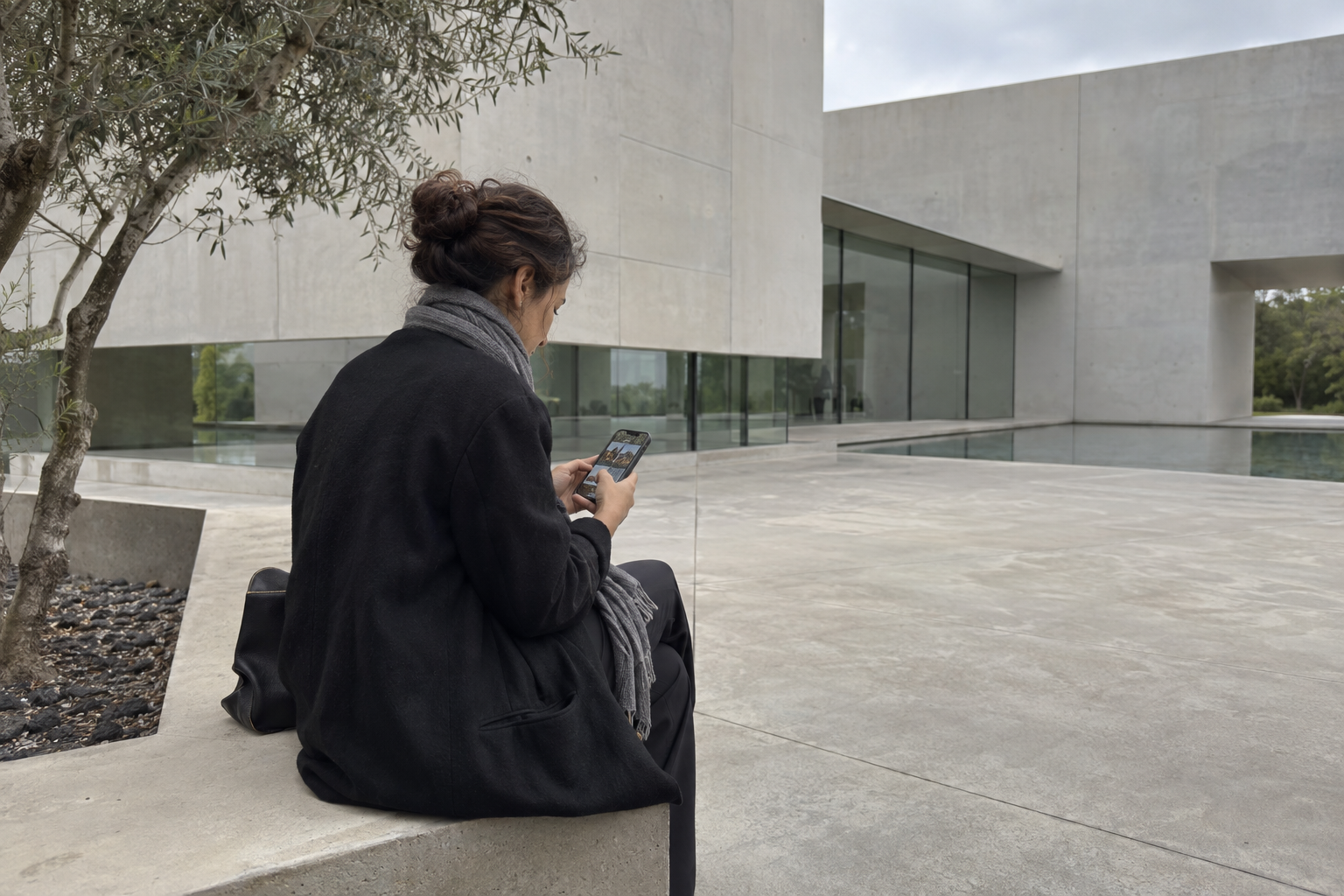
Maya removes the frames she knows she will not keep. When deleting selected photographs, Plumb makes the scope explicit: remove them from Plumb only, or from both Plumb and Photos.
A photograph that needs only a small adjustment does not have to become a task for later. From its detail view, Maya can crop, rotate, mirror or make a horizontal keystone adjustment, then save the edit while keeping the original intact. She is not trying to finish every picture on the pavement—only to leave a clean, usable starting point.
Create a new album—or add to one that already exists
If the museum was a self-contained visit, Maya chooses Save to New Album, gives the shoot a name and files it as one collection. The album can follow her chosen preference: Plumb, Photos or both.
If she is documenting an ongoing project instead, Add to Album is the better ending. She can add the whole Current Shoot, or only the selected photographs, to an existing album. A new visit does not need to create a new folder just to be organised.
A lighter end to the shooting day
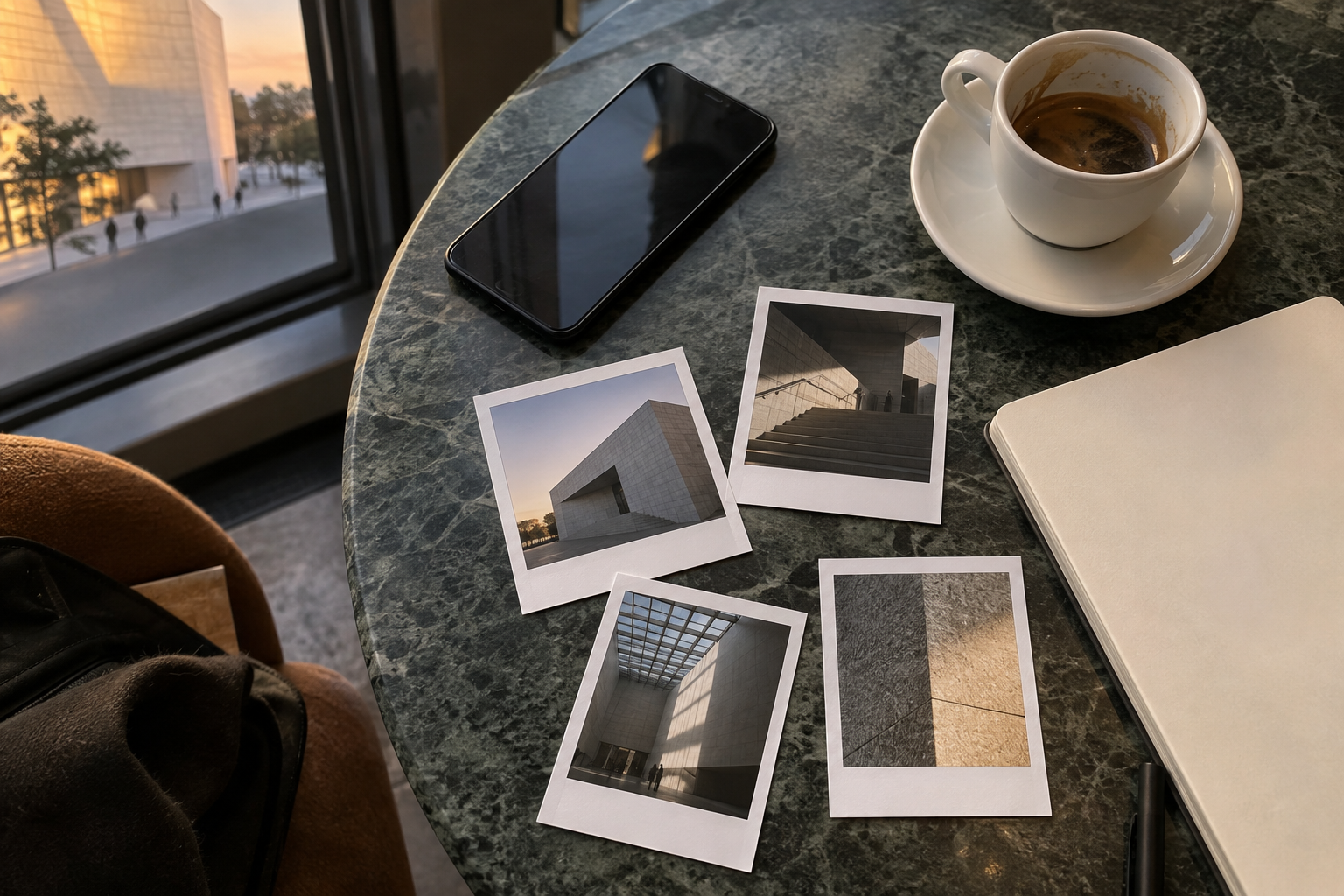
Maya leaves with fewer unresolved decisions. The obvious misses are gone, a few important frames have been lightly refined, and the remaining sequence already has a place to live.
Current Shoot does not replace careful editing or architectural judgement. It simply moves the first round of selection, adjustment and filing to the moment when the visit still has context—often before Maya has even left the building.
Current Shoot groups a continuous session for quick review. A longer pause or a change of place can begin a new shoot, so save or add the group you mean to keep while its context is clear.
Guide →