
The visit ends. The editing begins.
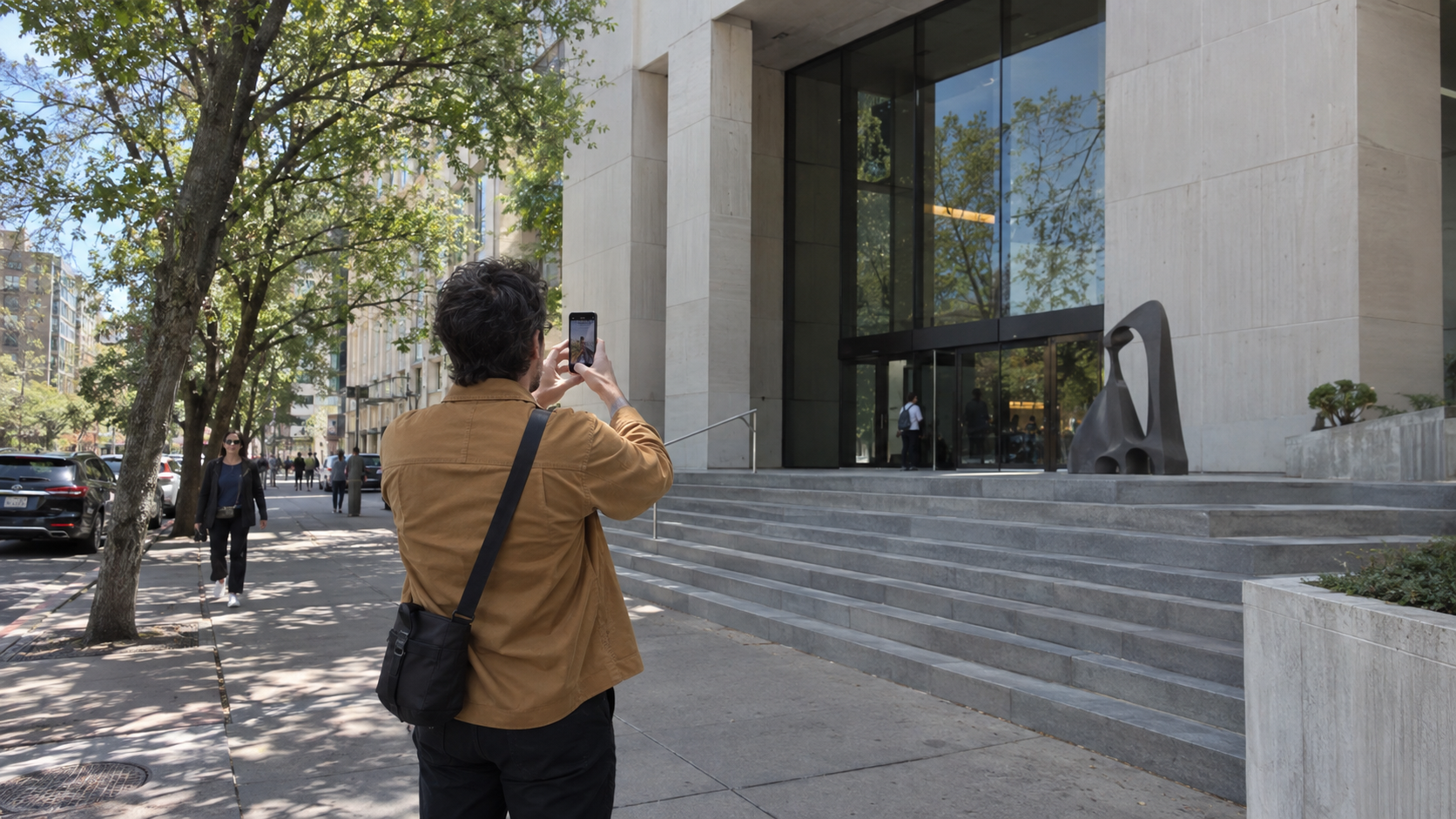
When Frank plans a trip, he marks the famous buildings he has wanted to see for years. He walks around a façade, steps into an atrium and waits for light to reach the floor. He wants more than a check-in picture: he wants to remember what it felt like to be there.
But the building is tall and the street is narrow. He tilts his iPhone upward to fit the roof. Back in Photos, columns and window frames converge toward the sky. The building looks as though it is leaning away from him.
One photo done. Another waiting.
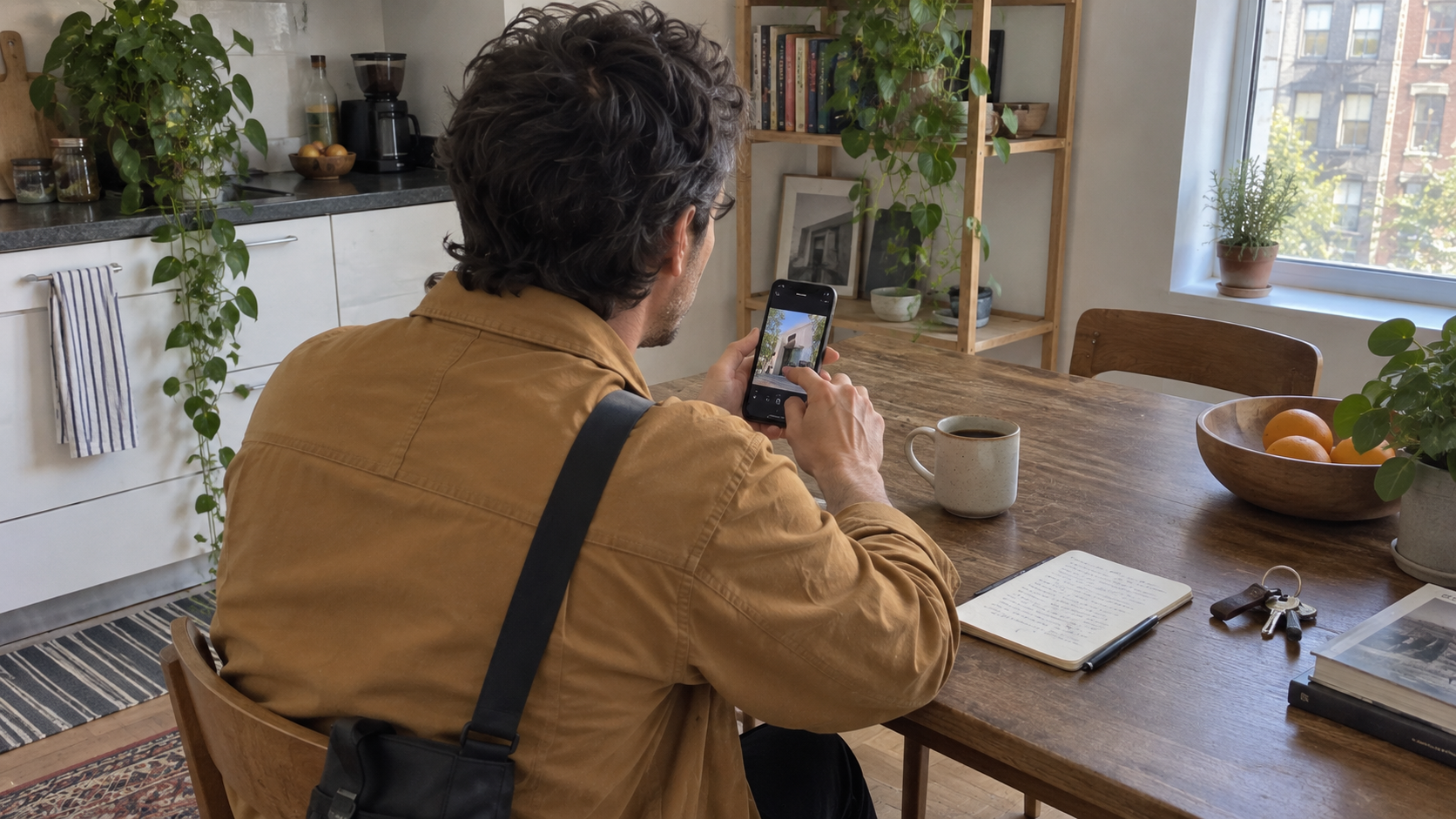
That evening, Frank opens the built-in Photos editor and adjusts vertical perspective. He moves the slider a little, checks the edges and moves it again. When the façade looks upright, some of the frame has been cropped away. Now he has to check the roofline and give the entrance room to breathe.
The tiring part is repetition. Façade, corner, entrance, atrium: every frame needs another judgment. Too far; back a little. One edge looks right, another feels unnatural. He has not even started on colour, yet the photographs he wanted to share have become a list of unfinished jobs.
Frank likes editing when it helps him express the visit. He enjoys restoring the warmth of stone or the quiet contrast of an interior. Starting every image by straightening the building is the part that drains his enthusiasm.
Move the repetitive geometry work earlier
In this new workflow, Frank shoots with Plumb and turns automatic correction on. After capture, Plumb processes perspective on his iPhone, creating a separate corrected version when conditions allow while preserving the original.
Before leaving, he checks a few important frames and compares the versions. Are the edges cropped too tightly? Do the proportions feel natural? If a photo needs a different composition, he is still there to take it again. Automatic processing reduces repetitive work; it does not replace his judgment.
Photos becomes the finishing step
Frank saves his selected corrected images to the iPhone Photos library. For the pictures whose perspective and framing he is happy with, the remaining work is straightforward: bring down the highlights, adjust warmth, then check that the set feels consistent.
He does not need to learn another colour-editing app. Photos stays in the workflow, but no longer has to be the place where he starts every perspective adjustment from scratch. Select, make a few colour adjustments, review and share on social media. This time, the caption can be about the architecture—not the evening spent editing it.
From taking photographs to actually sharing them
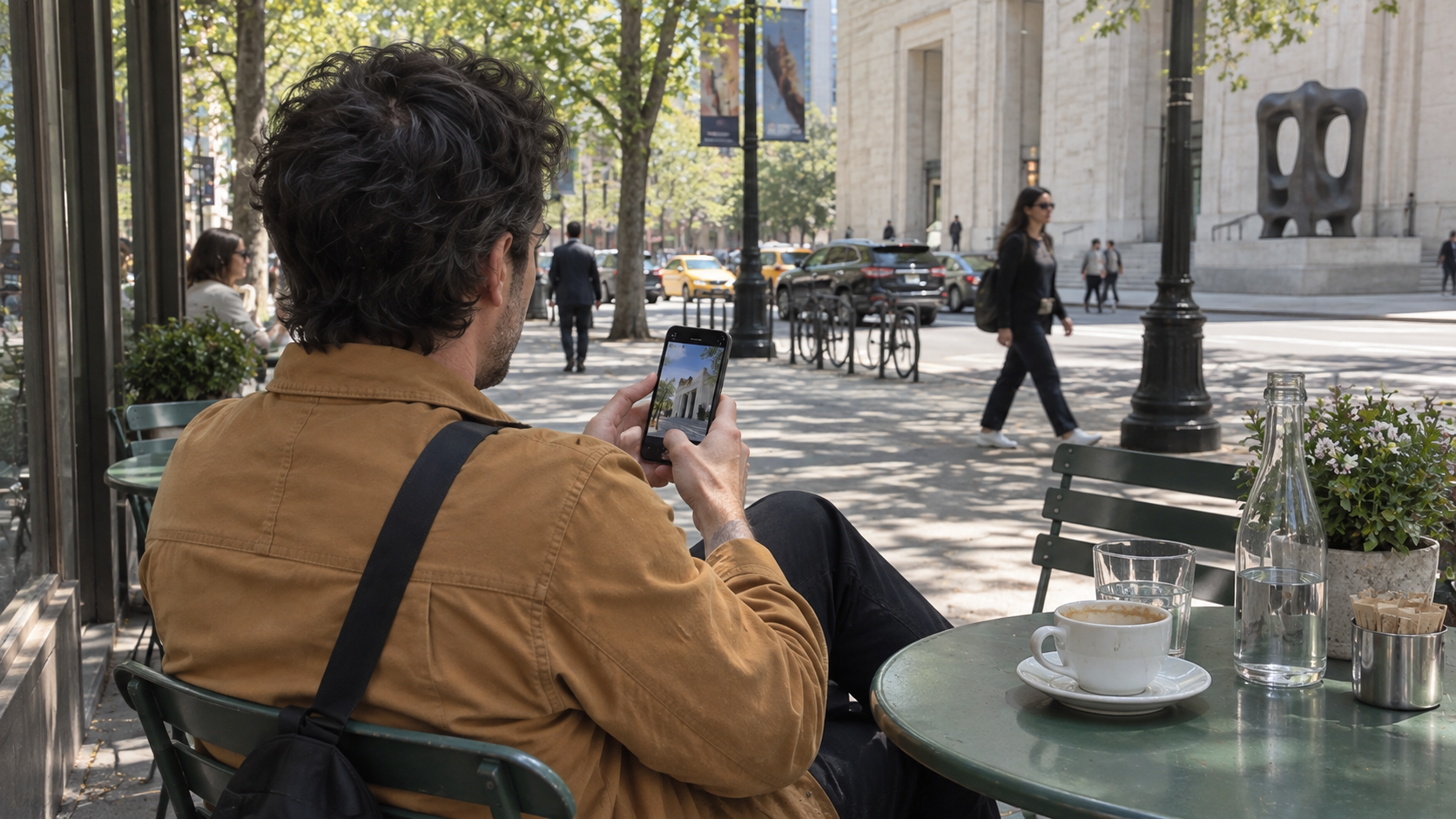
The sequence is simple: capture in Plumb, review and save the chosen corrected versions, finish colour in Photos, then publish through the social app he uses. Saving and posting remain deliberate actions; Plumb does not publish on his behalf.
Not every picture needs straight verticals. Sometimes Frank wants the drama of looking upward or the pull of a staircase into depth. The preserved original may be the better choice. The point is not to make every photograph look the same. It is to leave more room for the excitement of the visit to become something he actually shares.
Results depend on capture conditions. Review crop and proportions; keep the original or adjust manually when appropriate. Saving to Photos requires permission and is subject to the current Free allowance or Pro entitlement.
Guide →