
Use higher resolution for architectural detail or room to crop later—not necessarily for every photograph.
In front of a building, you may want to record its overall form—or inspect facade joints, window frames and material textures later. Those uses ask different things of a photograph.
Plumb offers capture up to 48MP on supported iPhones and lenses. Start with one question: will you want to look at this photograph more closely?
When architectural details matter
Stone joints, recessed window frames and the relationship between a sunshade and a wall may be hard to approach on site, but worth inspecting later.
Under suitable shooting conditions, higher resolution gives you more room to record those details. More pixels do not automatically mean a sharper photograph: light, focus and a steady hand still matter.
When you plan to crop a detail from a wider view
Sometimes you record the entire facade and only later notice a group of windows or an entrance worth keeping separately.
Higher resolution gives a later crop more room, not unlimited enlargement. The more you crop, the fewer pixels remain. If you already know which detail matters, taking another photograph on site is usually safer than relying entirely on cropping.
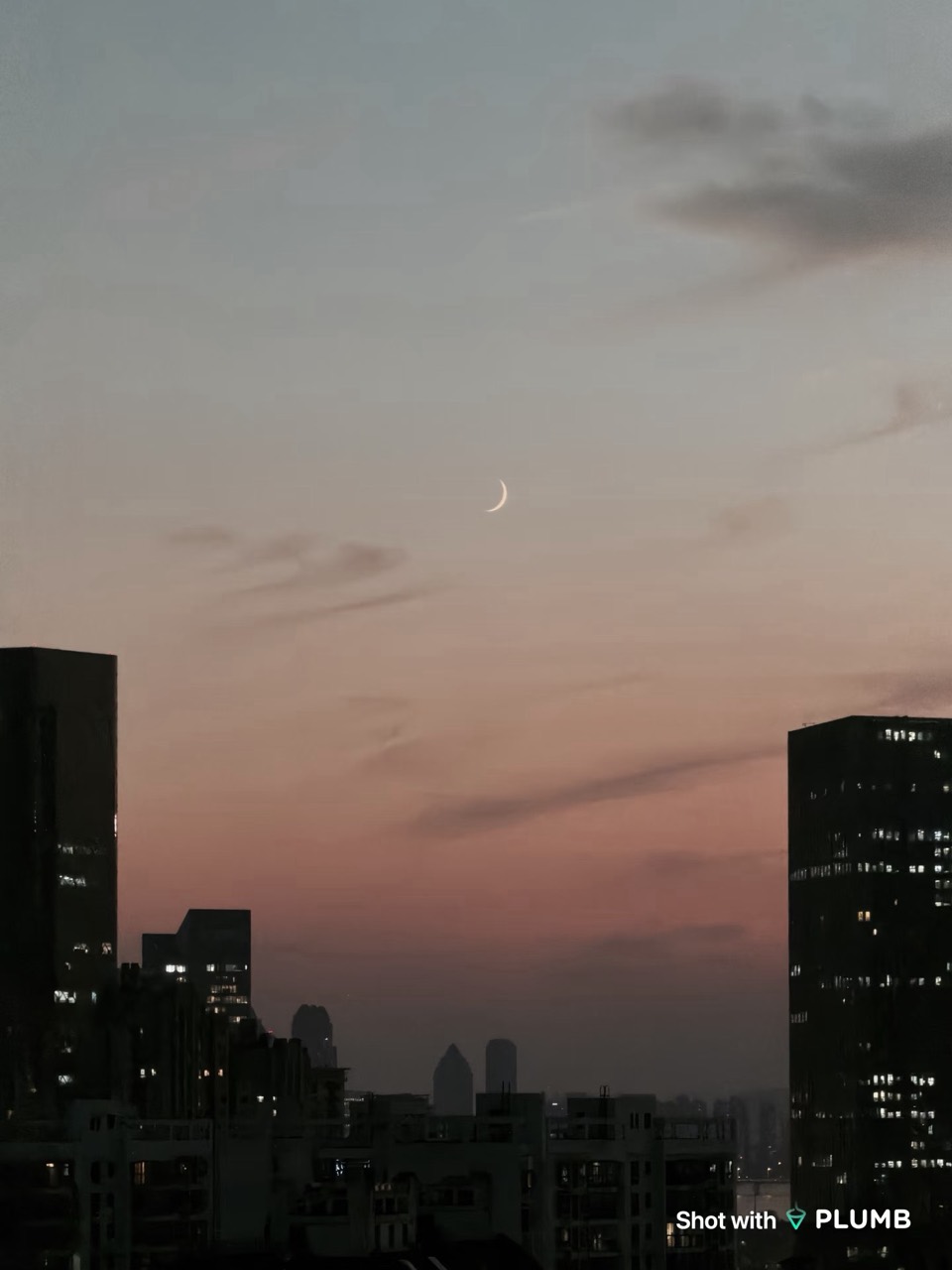
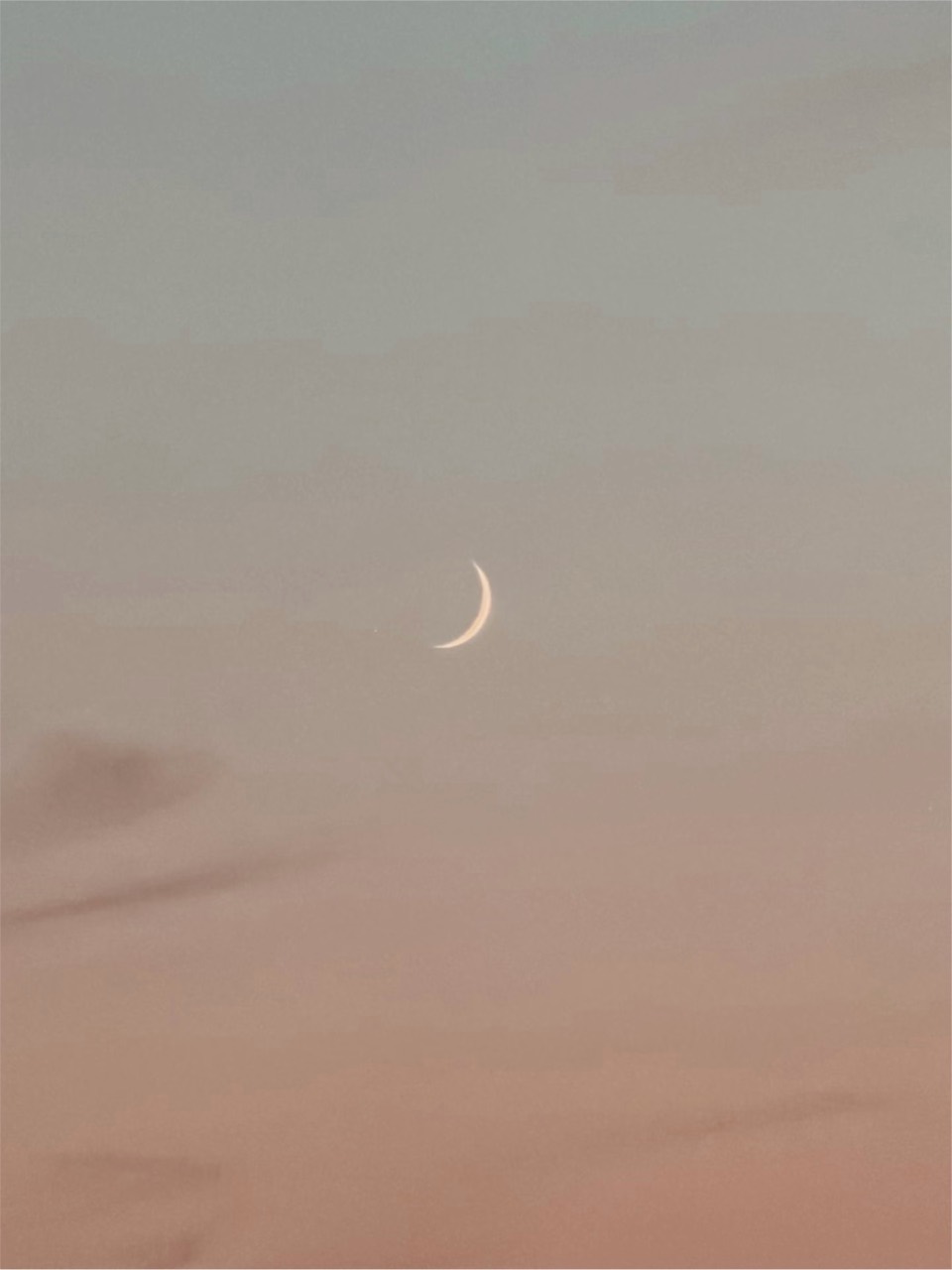
This real-photo example illustrates keeping a detail from a wider composition; it is not a comparison between resolution modes. Web images are resized and do not establish original pixel dimensions or guarantee results across devices and lighting conditions.
For quick site notes, it need not be the default
When recording an entrance, comparing viewpoints or remembering a route, the photograph mainly helps you recall the visit. Prioritize a clear composition and complete information. If you mainly view or share on a phone, choose resolution to fit that purpose rather than always selecting the maximum.
Hold the phone steady first
Higher resolution cannot remove camera shake or recover missed focus. Pause, check focus and then press the shutter—especially with telephoto.
Afterward, enlarge the areas you care about: are window edges clear and textures readable? In poor light or an already blurred image, adding pixels does not solve the underlying problem.
Why might a corrected 48MP shot contain fewer pixels?
“Up to 48MP” is a capture option on supported hardware, not a fixed size for every final image. Output depends on the iPhone, lens, aspect ratio and crop needed for perspective correction.
Correction takes place on iPhone and changes the image boundary. A rectangle without empty corners must stay within the usable area, so the Corrected image may contain fewer pixels than the Original. The Original is kept separately and never overwritten by correction. Use the information button in photo preview to check actual dimensions and file size.
A simple way to choose
For materials, construction details and facade elements—or a photograph you expect to enlarge or crop—consider higher resolution while checking sharpness. For site notes or quick sharing, choose what you need; the highest pixel count is not compulsory.
The point of 48MP is not a bigger number on every photograph. It is more detail to examine when you need it. Decide what you want to record first, then choose the resolution.
Next time a facade deserves a closer look, photograph it with Plumb and explore the details afterward. Capture up to 48MP is available on supported iPhones and lenses.