

Architectural camera for iPhone

Keep the building
standing straight.

A camera made for architecture. Plumb captures the original, reads the phone's position at the shutter, and creates a perspective-corrected photograph—privately, on device.

On-device processing Original preserved
A hand-drawn photographer using Plumb to photograph a building with a vertical alignment guide
CAPTURE / ALIGN / CORRECT001

THE PRINCIPLE

Architecture is drawn with intention.
Photograph it the same way.

A small tilt of an iPhone can make parallel lines collapse inward. Plumb records the camera geometry at the instant of capture, then uses that evidence to form an upright image—without hiding the source frame.

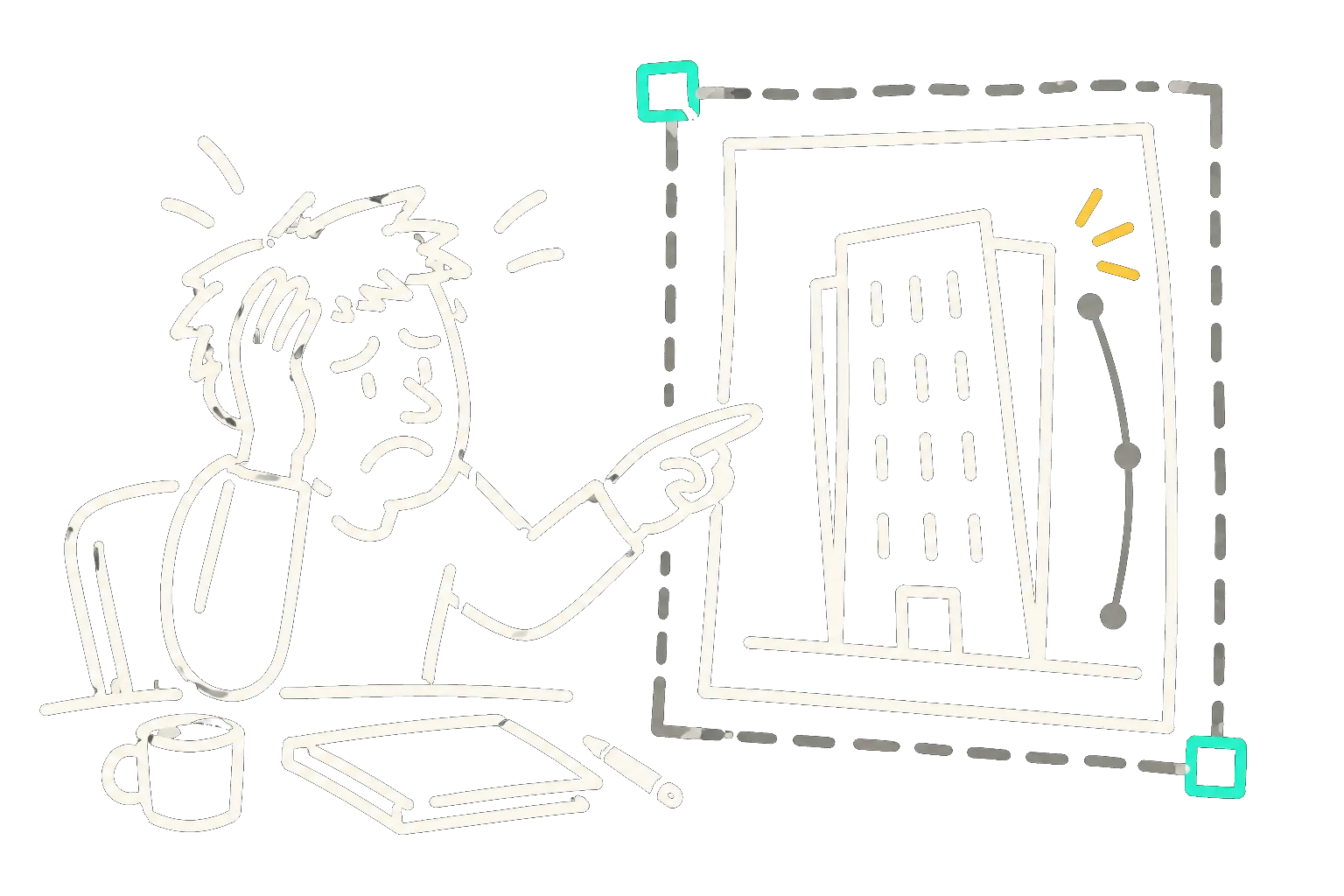
A frustrated architectural photographer manually correcting a tilted building photograph
TILT / DISTORTION / MANUAL CORRECTIONTHE PROBLEM

The familiar frustration

A five-second tilt can become a twenty-minute fix.

Point a camera upward and the building starts to fall away. Vertical lines converge, façades lean, and careful compositions lose their balance. For architects and architectural photographers, the image no longer reflects the building they designed—or the one standing in front of them.

Geometry collapsesParallel edges converge and façades appear to lean.
Correction becomes a choreGuides, corner handles, rotation, crop—then another pass.
The frame gets sacrificedStraightening later can cut away the composition you wanted.
01

Perspective, corrected

Plumb uses shutter-time camera and motion evidence to create a natural, upright architectural photograph.

02

The original stays original

Every correction is a separate derivative. Your full camera capture remains intact and available.

03

Private by construction

Correction happens on your iPhone. Plumb does not upload captures to process them.

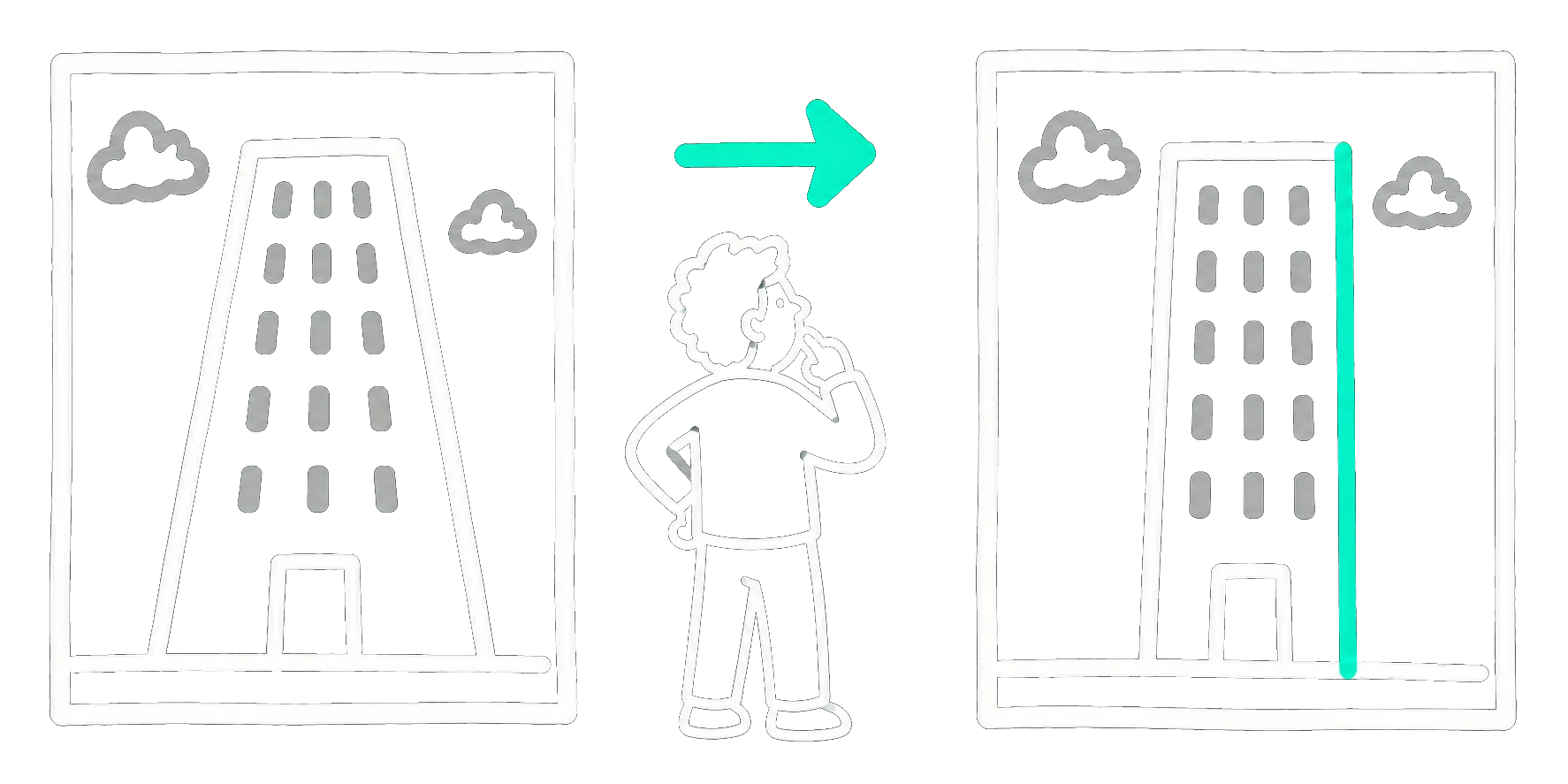
One capture. Two honest versions.

Corrected, never overwritten.

A hand-drawn person comparing an original photo with converging verticals and a corrected upright photo
ORIGINAL / FULL CAMERA RESOURCECORRECTED / ON-DEVICE DERIVATIVE

A working library

Built for the way
architects review.

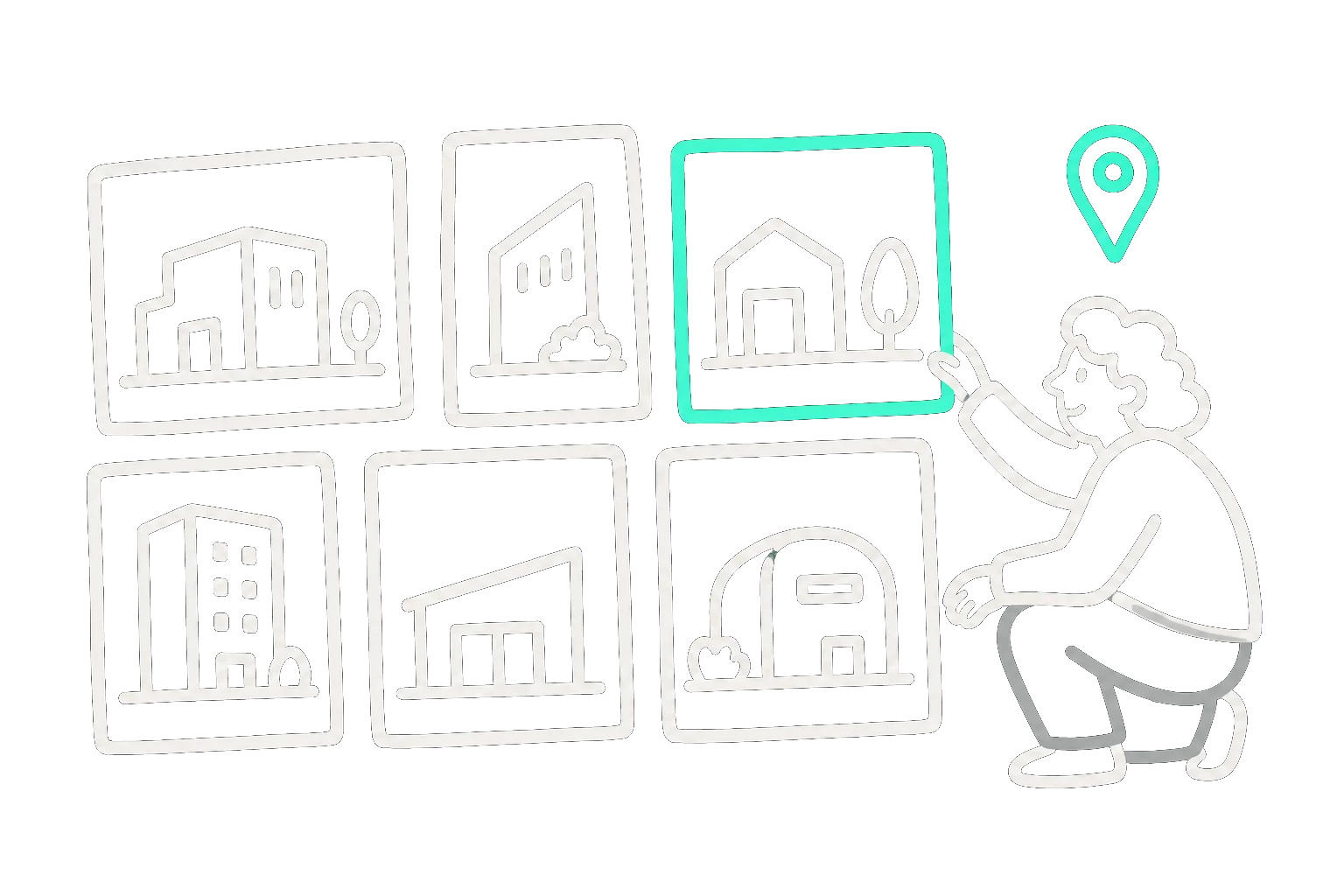
Move between Grid and Masonry views, compare the original with its corrected version, select in batches, export, delete, and retain location context.

Grid + Masonry Location context Original + Corrected
A hand-drawn person arranging a masonry library of architectural photographs
GRID / MASONRY / LOCATION002

MADE FOR

Architects

Document built work with disciplined geometry.

Designers

Capture interiors and façades without distracting convergence.

Urban observers

Build a private, location-aware record of the city.

Questions, squared away

FAQ

What does Plumb correct?+

Plumb corrects converging verticals and architectural perspective caused by tilting the phone, while preserving a natural-looking composition.

Does Plumb replace my original photo?+

No. Plumb retains the original camera resource and writes the corrected image as a separate version.

Are my photos uploaded?+

No. Plumb is local-first: captures and perspective correction stay on your device unless you explicitly export or save a copy.

Which iPhones are supported?+

Plumb supports iOS 18 and later, with iPhone 13 or newer recommended. Available capture features adapt to each device.

View all questions

In development for iPhone

Your verticals
are about to align.

Plumb is being prepared for its first release. The early access list is not open yet; TestFlight and launch details will be published here when they are ready.

View development notes No email address is collected on this site today.