
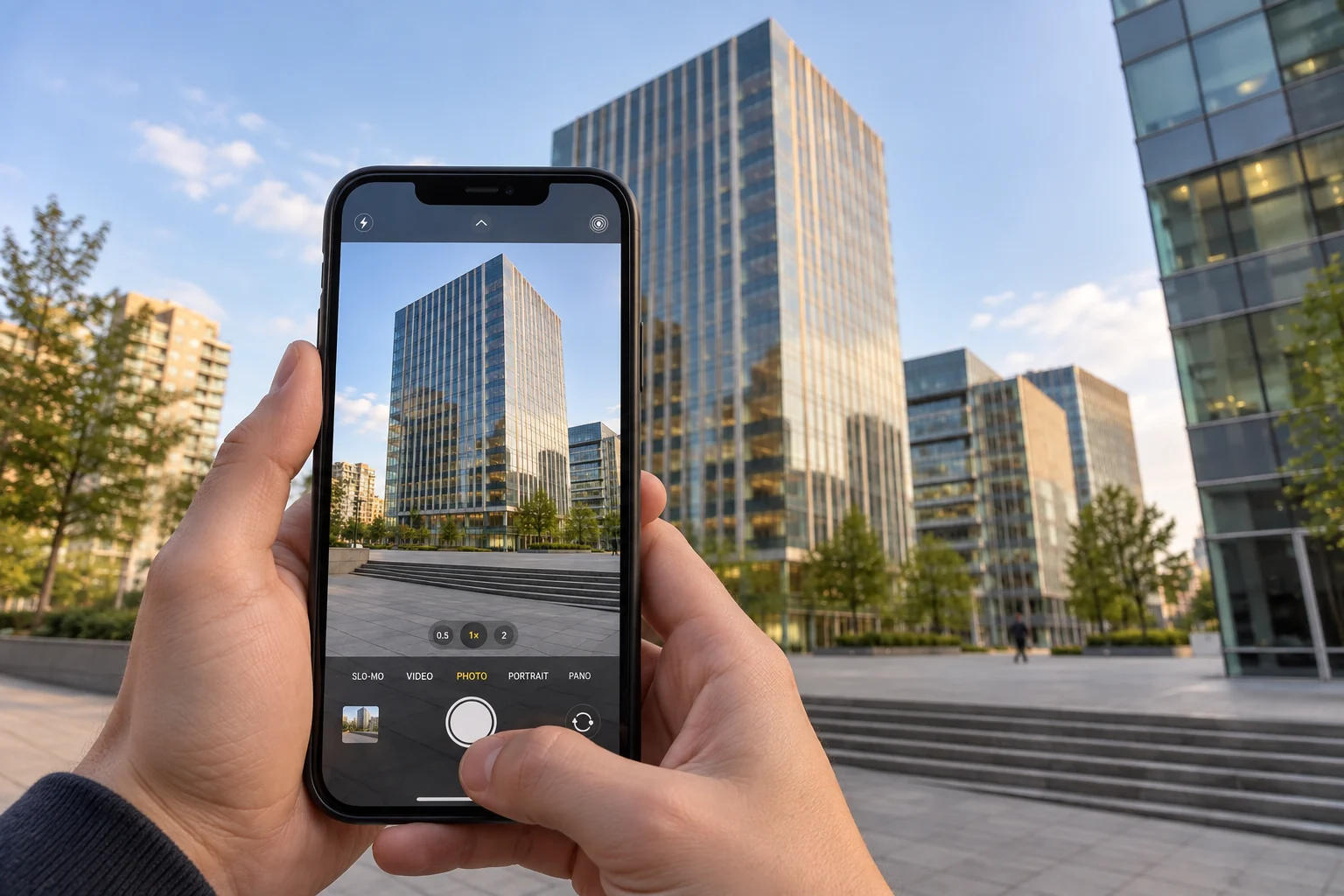
1. Read the site before raising the phone
When a tall building does not fit, the quickest reaction is often to tilt the iPhone farther upward. First, look around. A position across the plaza, farther along the pavement, or slightly to one side may reveal the same roof with less upward tilt.
Distance is useful because it changes the viewpoint. After moving, compose again instead of keeping the old wrist angle. Ask whether the roof is complete, whether the base still has room, and whether the building is pressed against either side.
2. Use the upper edge deliberately
If you cannot move farther back, the building does not need to sit in the vertical centre of the preview. Keep the complete roof high in the image with a small safety gap, reduce surplus sky, and leave some foreground below that can be trimmed later.
This is a framing reserve, not a rule that every finished picture needs more pavement. Perspective correction changes the usable rectangle, so information near any edge can be lost. Our separate crop guide explains that geometry in detail.
3. Keep the phone close to the final direction
Holding the phone upright means keeping its image plane closer to vertical, whether you shoot portrait or landscape. It does not mean forcing a perfectly level pose while the building no longer fits.
Plumb can use capture-time device orientation to create a corrected version when conditions allow. Starting closer to the intended result usually makes the crop easier to anticipate. Small handheld deviations can remain small; viewpoint and framing deserve more attention.
Take one frame, then inspect the edges
Before leaving, compare Original and Corrected. Check the roof, entrance, base, overhangs and both side edges. If one of them disappears, change the viewpoint or loosen the frame while you are still on site.
Correction can rearrange recorded pixels. It cannot recover a roof or entrance that never entered the frame. There is no universal safe-margin percentage, so one test frame is more useful than memorising a number.
A practical sequence is simple: find the best safe viewpoint, keep the complete roof high with breathing room, hold the phone near the direction you want, and review one corrected frame before moving on.
Related reading
Architectural photography with iPhone
Explore practical guides to photographing tall buildings, correcting perspective and leaving room for the final crop.